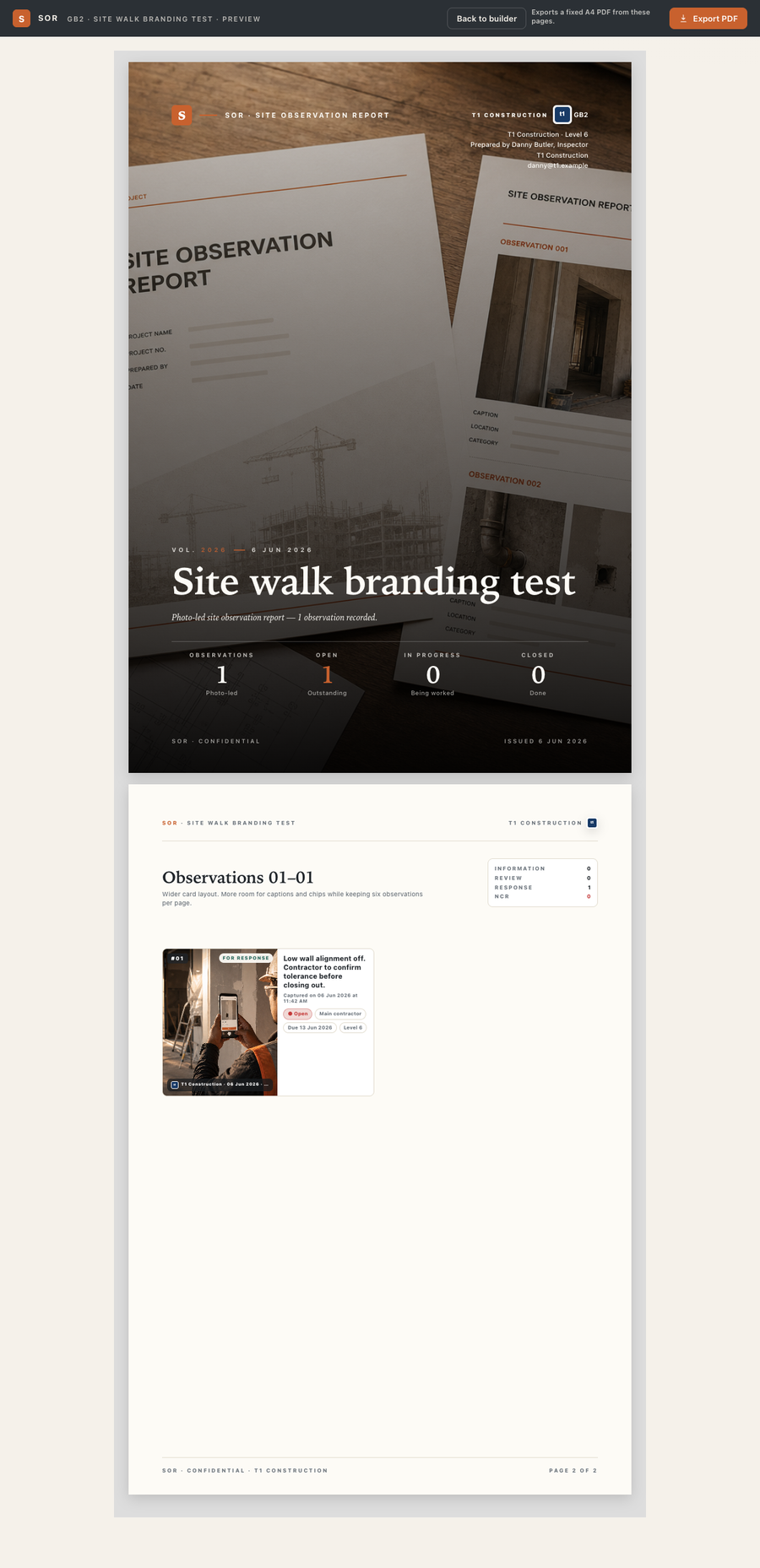
Vol. 2026 · Field Report Desk

From site walk
to clean report.

Capture photos in the field, add only the context that matters, and issue a printable observation report before the trail of updates goes cold.

Photo·led
Capture
Minutes
To issue
A4 PDF
Print-ready
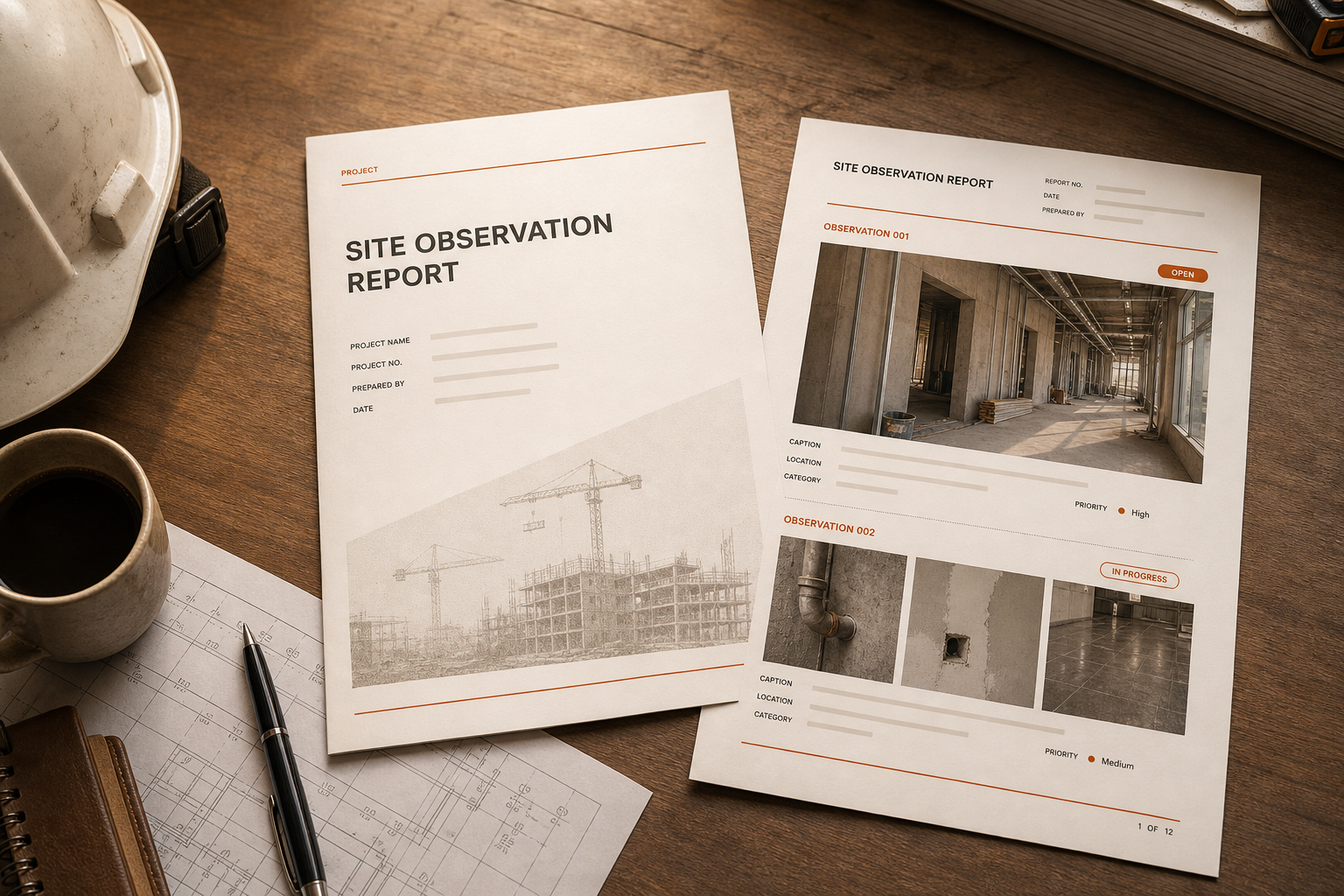
Printed SOR site observation report on a desk
Output A branded A4 report, straight from your phone.
Why SOR

A site report desk in your pocket.

SOR isn't a generic issue tracker. It's built for the way site walks actually happen — photo first, caption second, action only when something needs fixing.

Capture in the field

Open the camera, snap the condition, and the observation is logged. No forms to fight before you can move to the next room.

Only the context that matters

Caption is enough for a record. Switch on action mode when something needs a response — set the party, due date, and status.

Issue a clean report

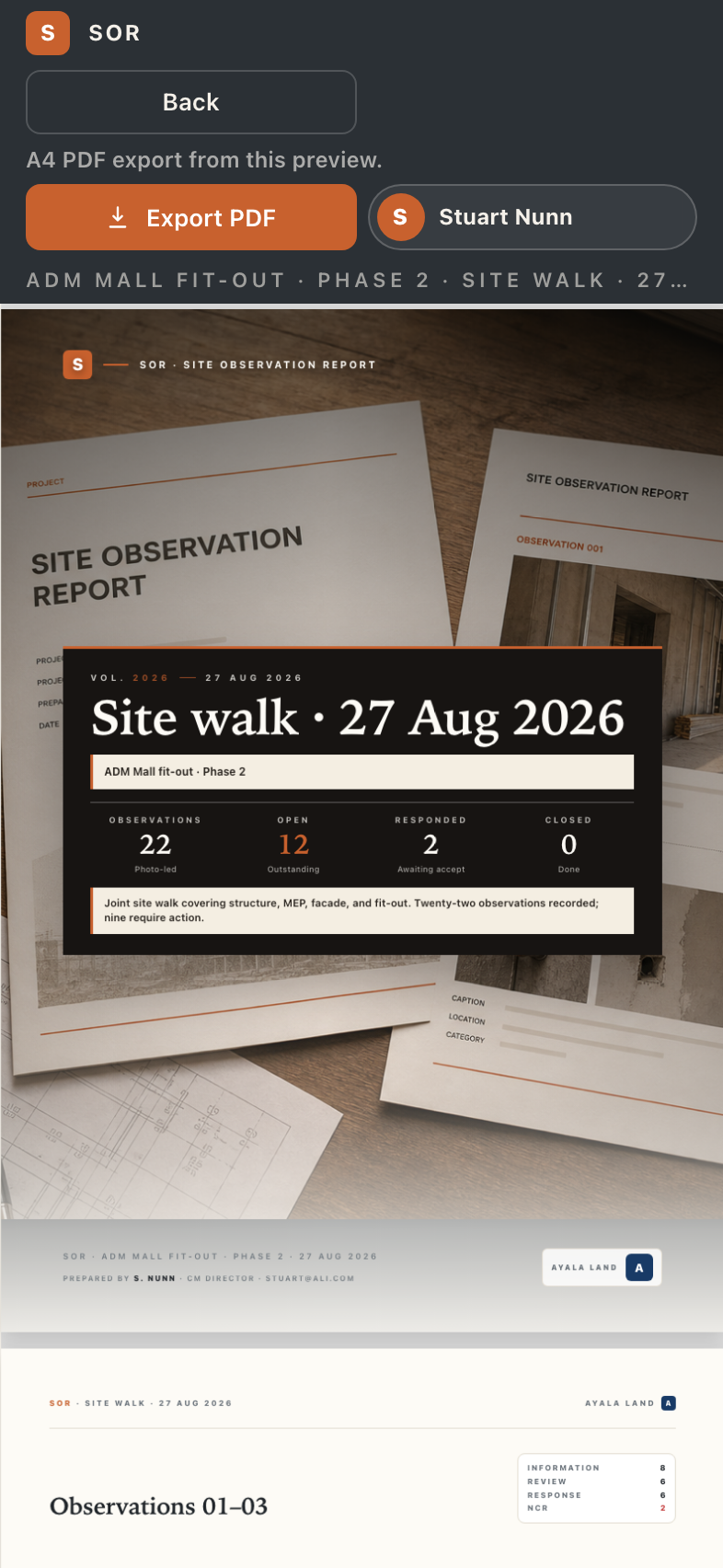
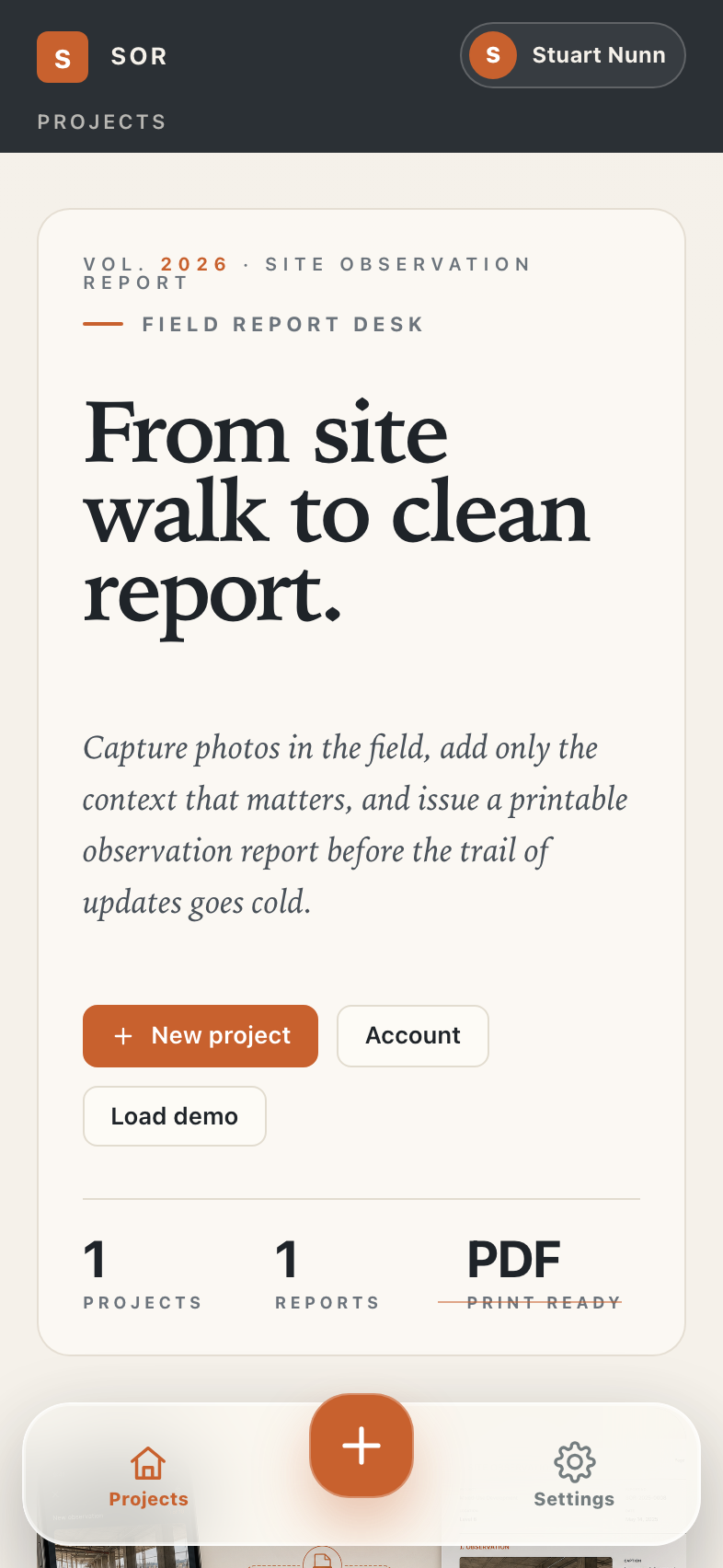
Six observations per page, your branding on the cover, exported as a fixed A4 PDF — ready to send before you leave site.

Field capture

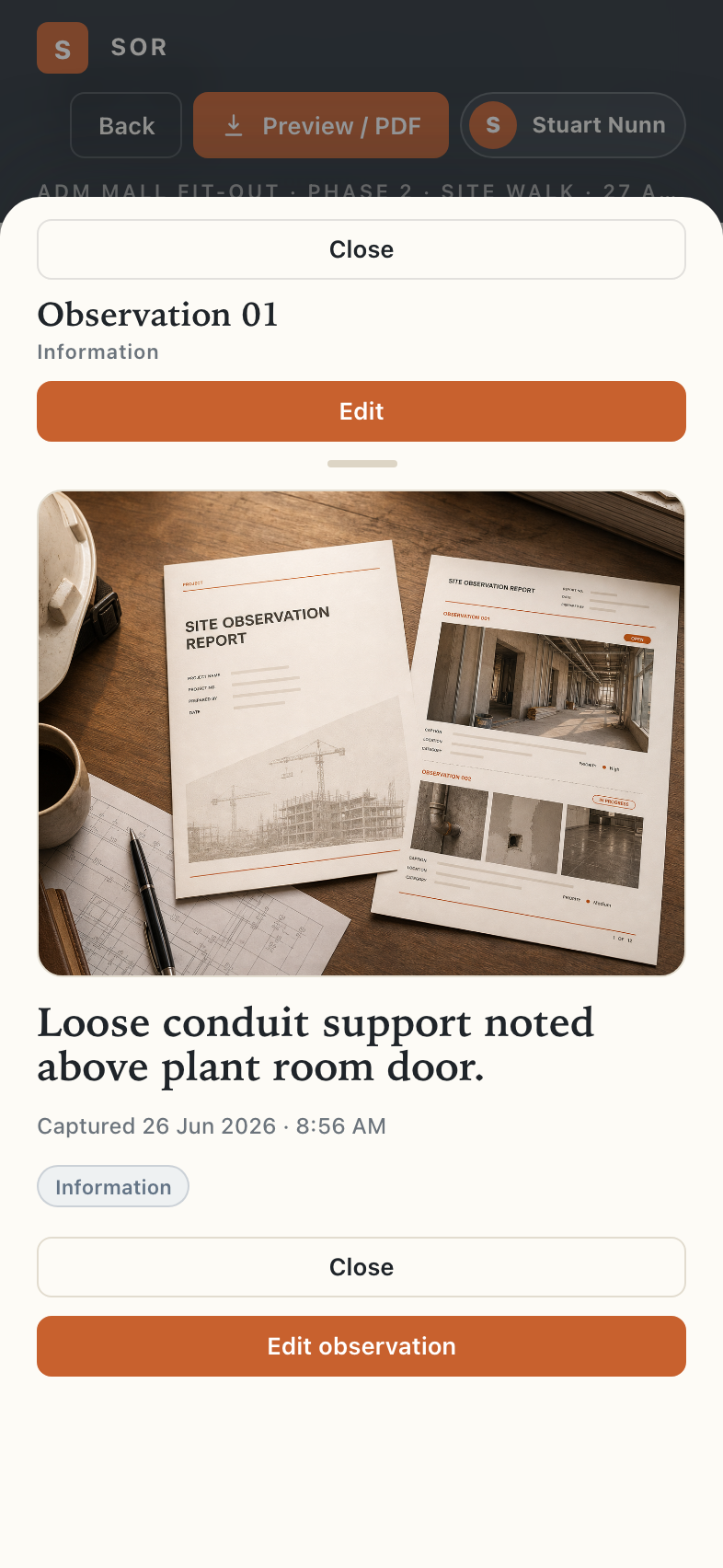
Open the camera. Keep walking.

SOR keeps the first move simple: capture the condition, save the evidence, and add the note without turning a site walk into admin.

Photo firstLocation contextOffline-ready
Inside the app

Built for site, not spreadsheets.

Action mode

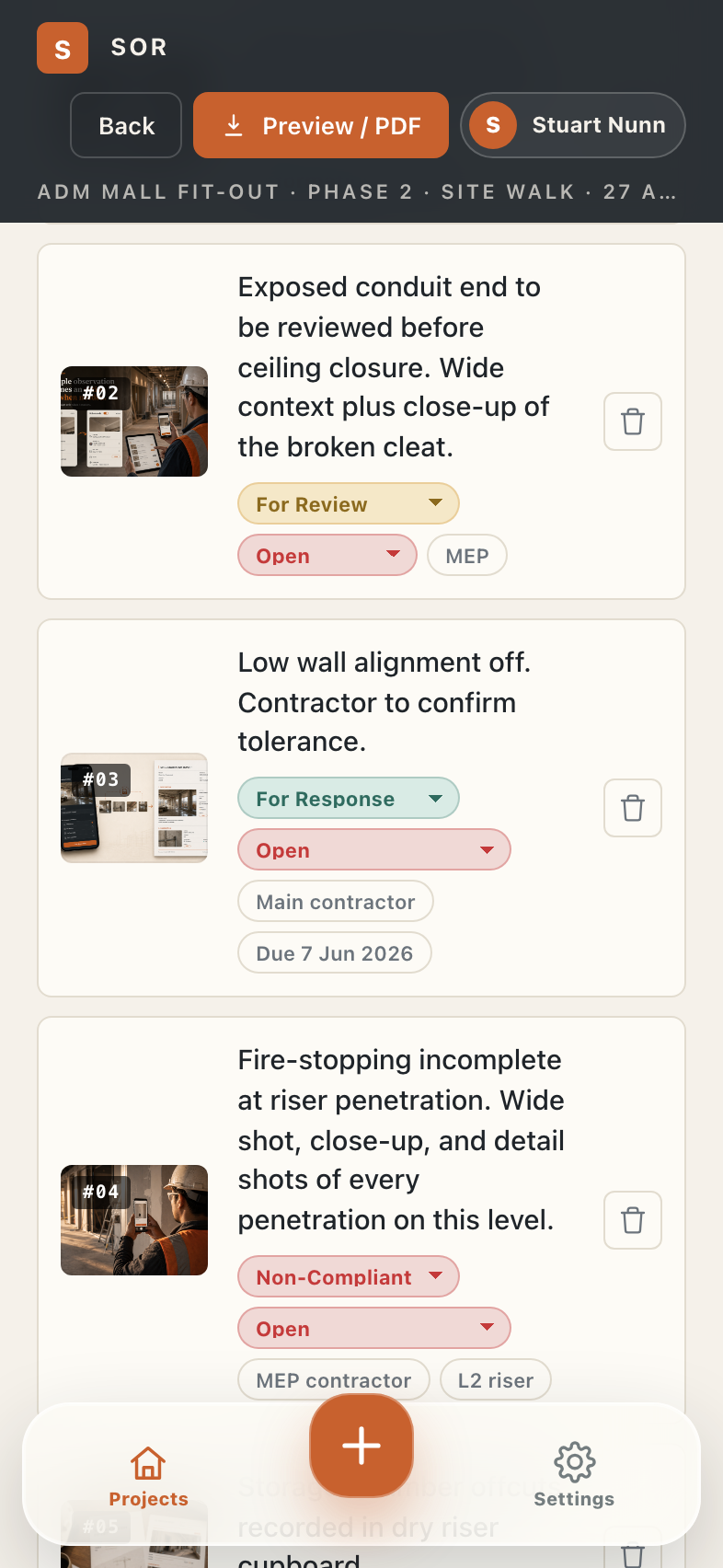
When it needs a response, make it unmistakable.

Flip an observation from record-only to action-led, then assign the party, due date, and status before the next site meeting.

For ReviewFor ResponseNon-Compliant
The workflow

Three steps, start to issued.

Photo first. Caption is enough. Switch on action when someone needs to fix it.

1

Capture

Walk the site and photograph each condition. SOR logs it as an observation the moment you take the shot.

2

Caption & action

Add a short caption. If it needs fixing, tag it For Review, For Response, or Non-Compliant and assign the party.

3

Issue

Export a fixed A4 PDF with your branding on the cover and send it before the site walk goes cold.

Phone to PDF

The report is the product, not an afterthought.

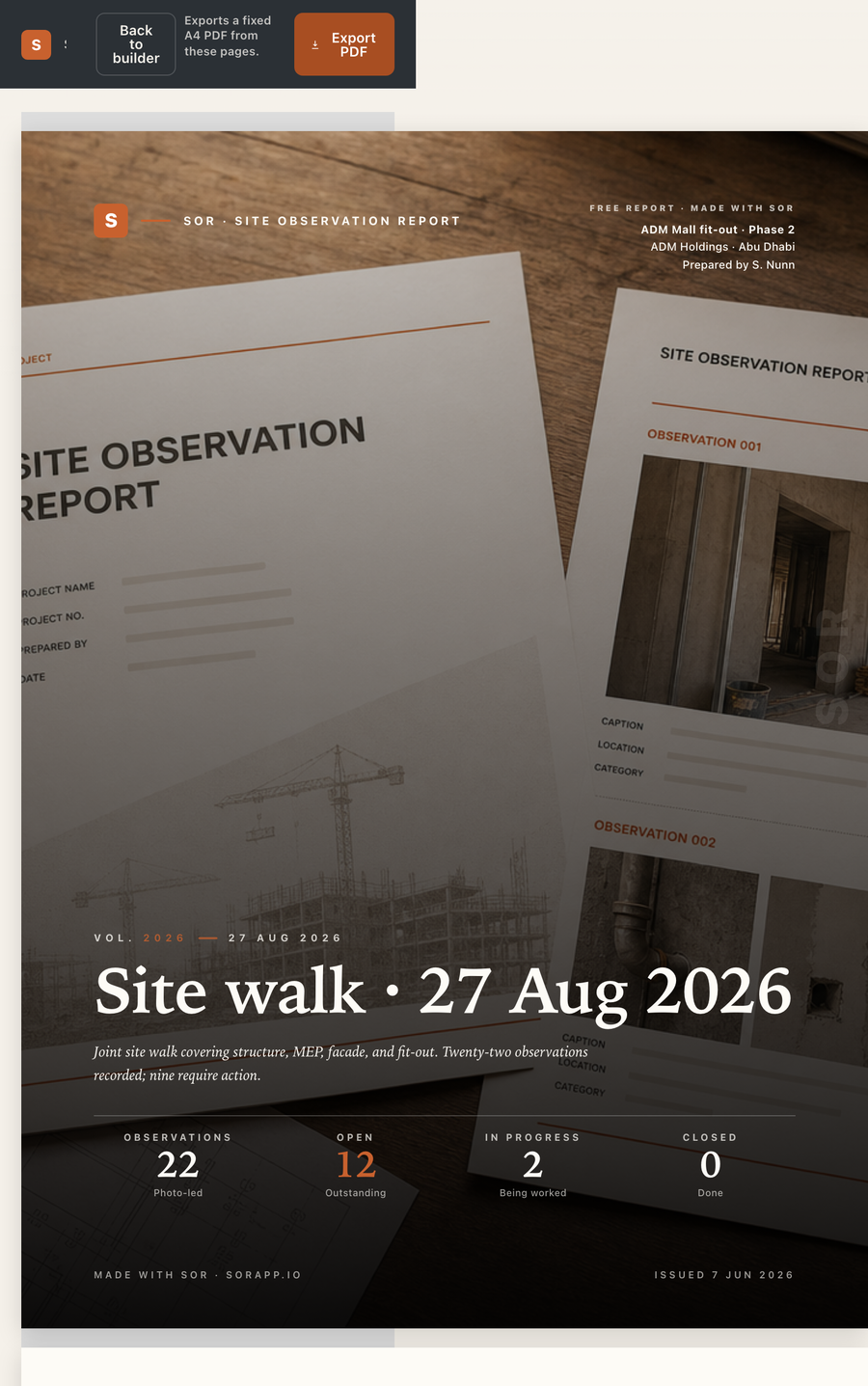
The site record becomes a fixed A4 issue pack with cover, status strips, photos, captions, and clean pagination.

A4 outputSix-up pagesReady to send
Observation types

Record it right the first time.

Information

A record only. No response required — captured for the file.

For Review

Needs confirmation, inspection, or approval before it closes.

For Response

Needs a reply, ownership, or follow-up from the responsible party.

Non-Compliant

An NCR-style record where corrective action and close-out evidence are required.

Free and Pro reports

A useful free report. A client-ready branded one.

Free reports keep SOR visible. Pro swaps the cover and report identity to the user's company branding.

SOR free report branding preview
FreeSOR attribution retained
Company branded SOR report preview
ProCompany branding on output
SOR A4 report cover output
The output

A report that looks like you wrote it carefully.

  • A4 cover page — your project, your branding, a clean stats strip.
  • Six observations per page — wide, report-like cards, not cramped thumbnails.
  • Status & party chips — every action is clear at a glance.
  • Fixed pagination — the same crisp A4 layout every time you export.
Pricing

Free to start. One-time unlock to brand it.

No subscription. Capture and report for free, and unlock Pro once when you want your own branding on the cover.

Free

$0

Everything you need to capture and issue.

  • Unlimited projects, reports & observations
  • Photo-led capture & action tracking
  • A4 PDF export with SOR cover mark
  • Phone & laptop sync with an SOR account
Pro

Pro

$29 one-time

Yours forever. No subscription, ever.

  • Everything in Free
  • Your logo & company on every cover
  • SOR free-report attribution replaced with your brand
  • Professional, client-ready output

Pricing shown in USD and may vary by region and store.

Issue your next report from site.

SOR is coming to the App Store and Google Play. Get notified the moment it's live.

One SOR account keeps your projects, reports, observations, and photos together across your phone and laptop.