Site Observation Report
Walk the site.
Send the report.
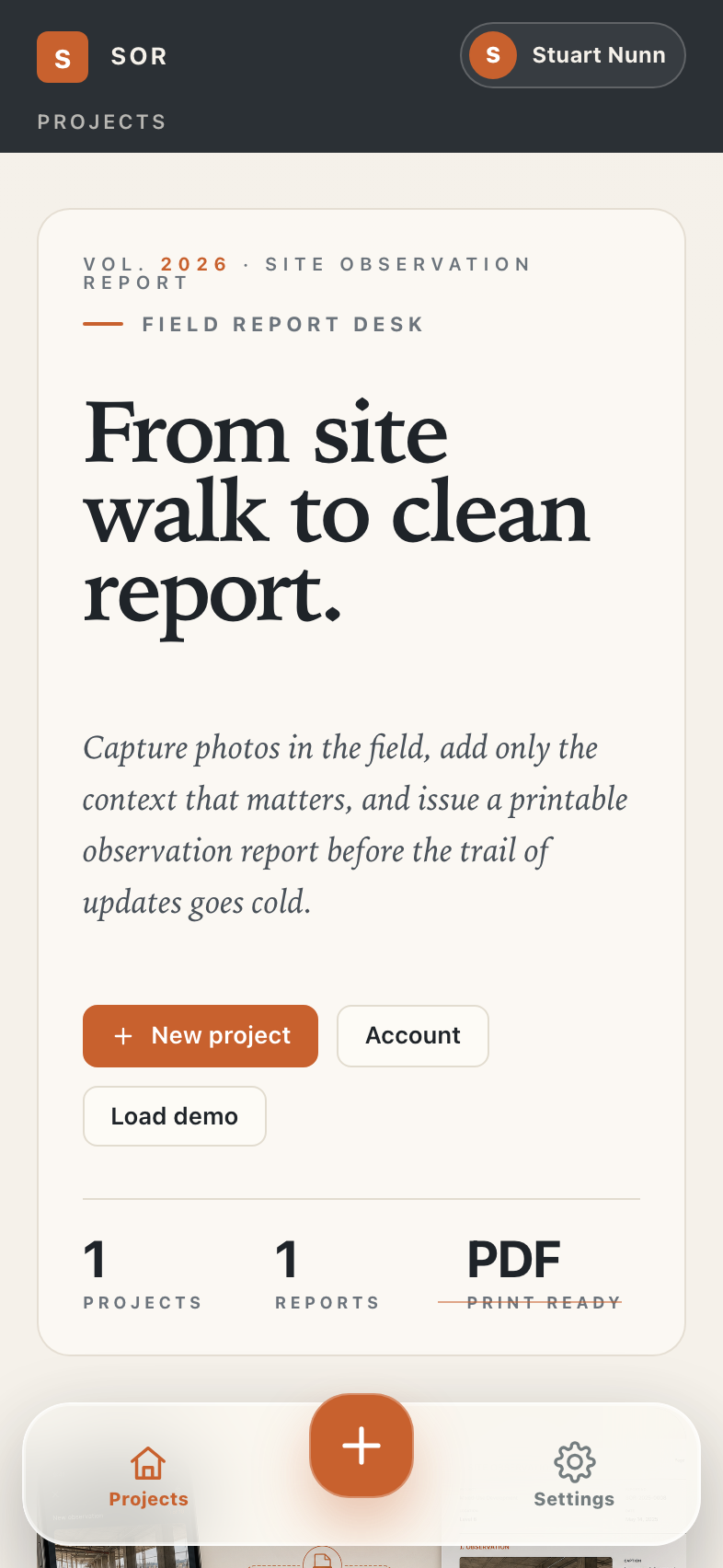
Capture defects, progress, and instructions on your phone. SOR formats, dates, and sends a clean PDF — without a laptop, a login, or a subscription.
Site walks today
From scattered updates to one clear report.
Forty photos in the camera roll. A notebook with three different pens. Notes in Messages, voice memos in WhatsApp, sketches on a printed plan. By the time the report is written, half the context is gone.
SOR replaces the part that always slips — the trip back to the office to make the report. Capture observations on site, in order, with timestamps. Tap export. The PDF is done before you leave the carpark.
The walk
Photo, note, location. Done.
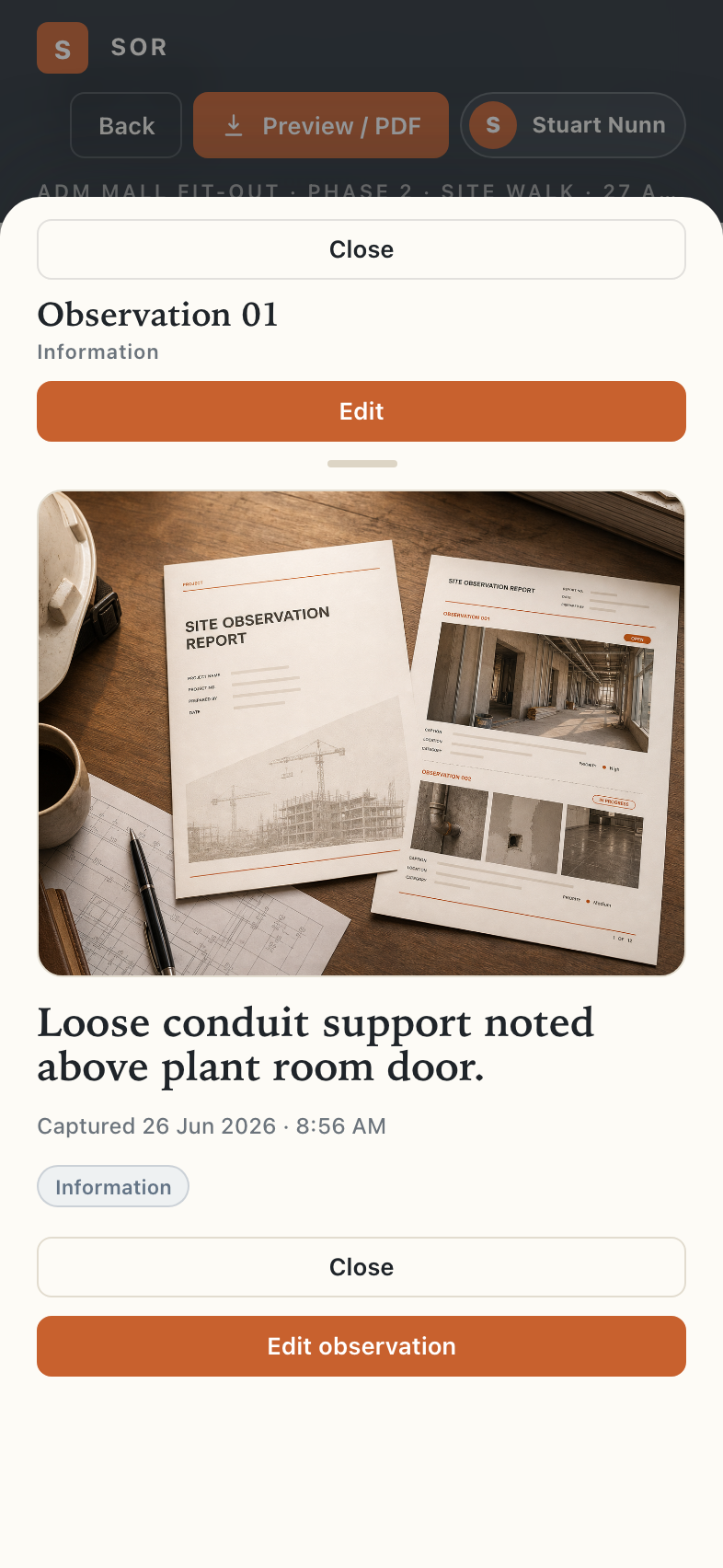
Tap once to capture a defect with a photo, a short note, and the exact spot on site. Speak the note if you're up a ladder. SOR keeps everything timestamped and in order so the report writes itself on the way back to the office.
- Photo-led. The camera is the input. Notes are short, optional, and trade-literate.
- Works offline. Basements, slabs, no signal — SOR doesn't care. Everything saves locally.
- Drag to reorder. Walk the building floor-by-floor, fix the order at the end.
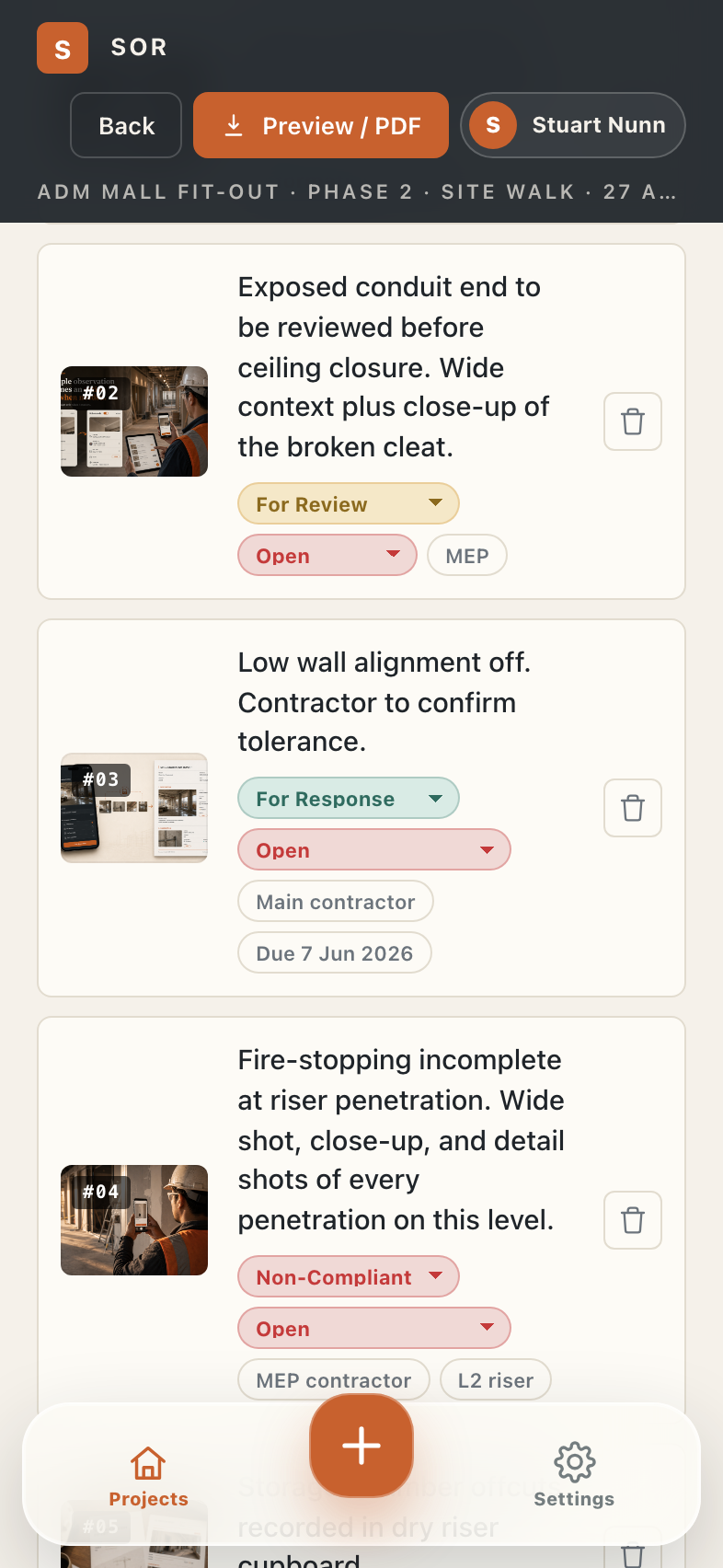
- Action mode. Flag the few observations that actually need an instruction or response.
The output
A finished PDF, not a folder of photos.
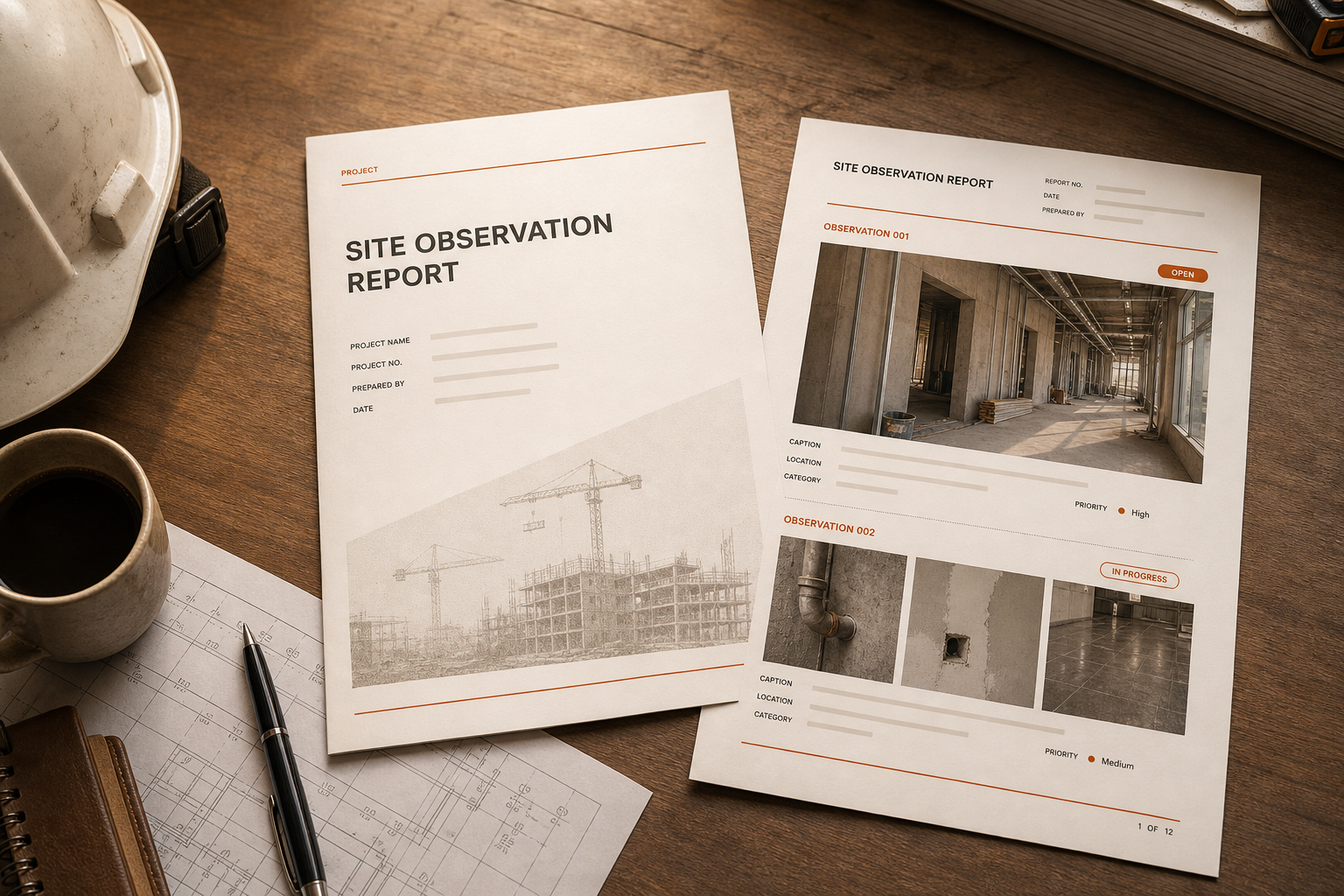
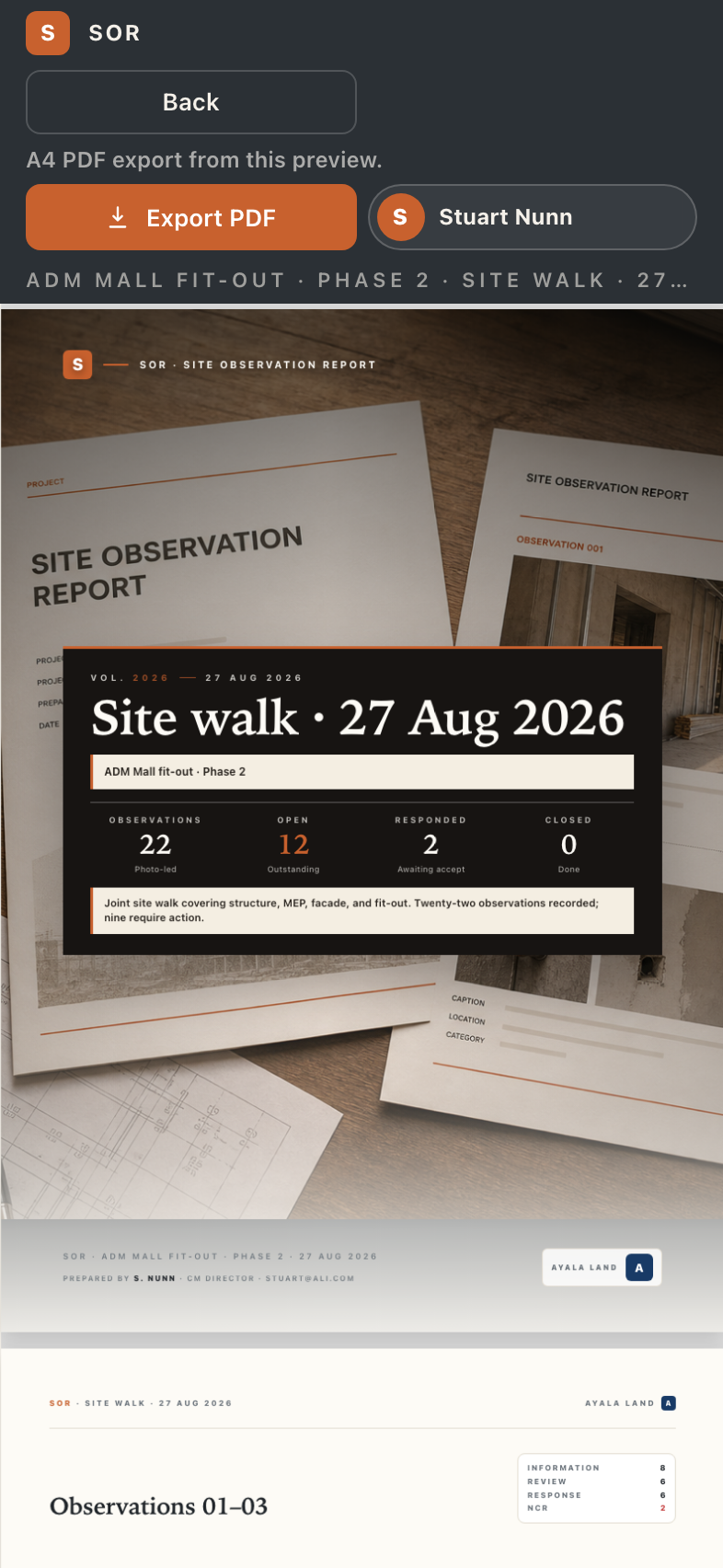
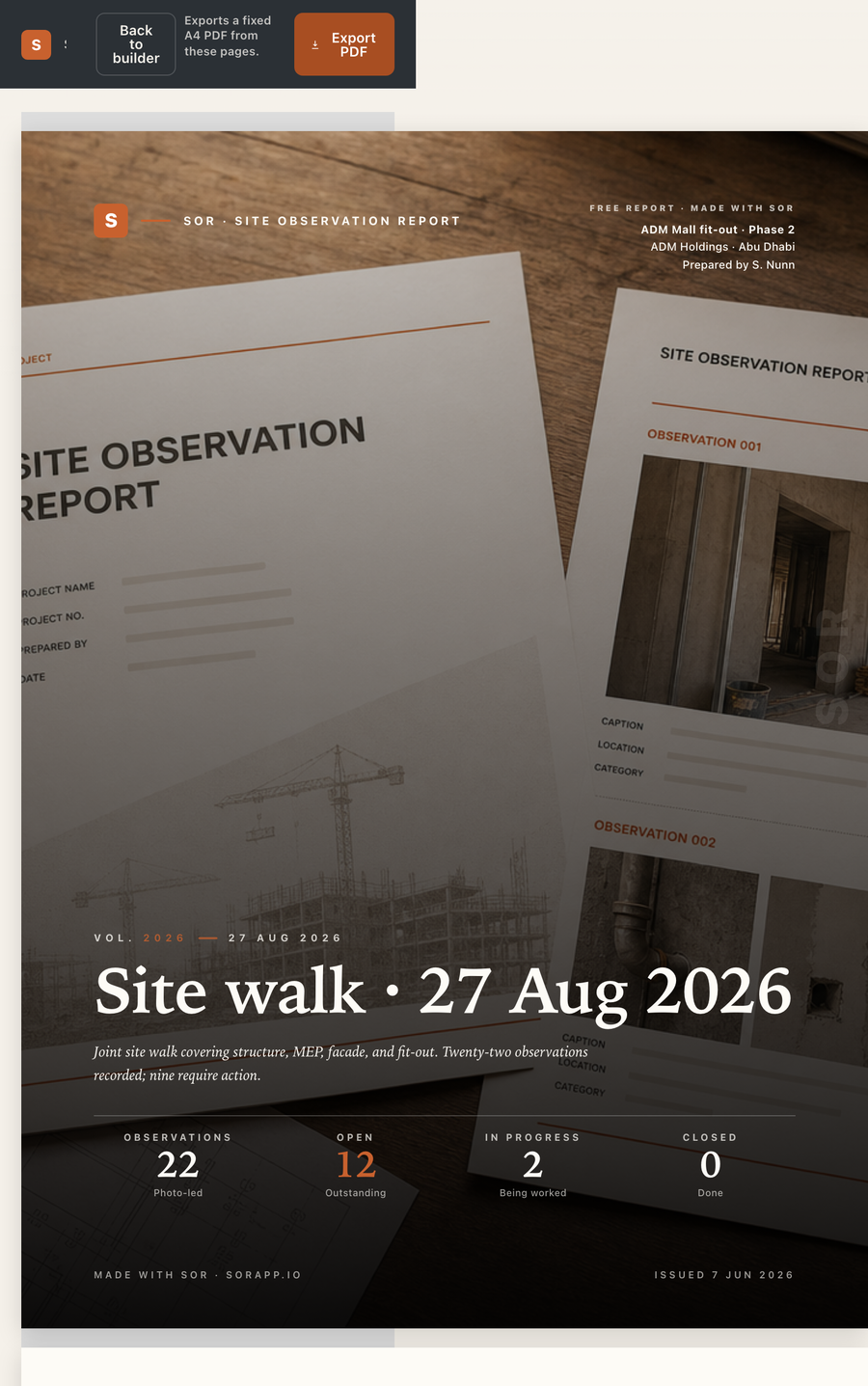
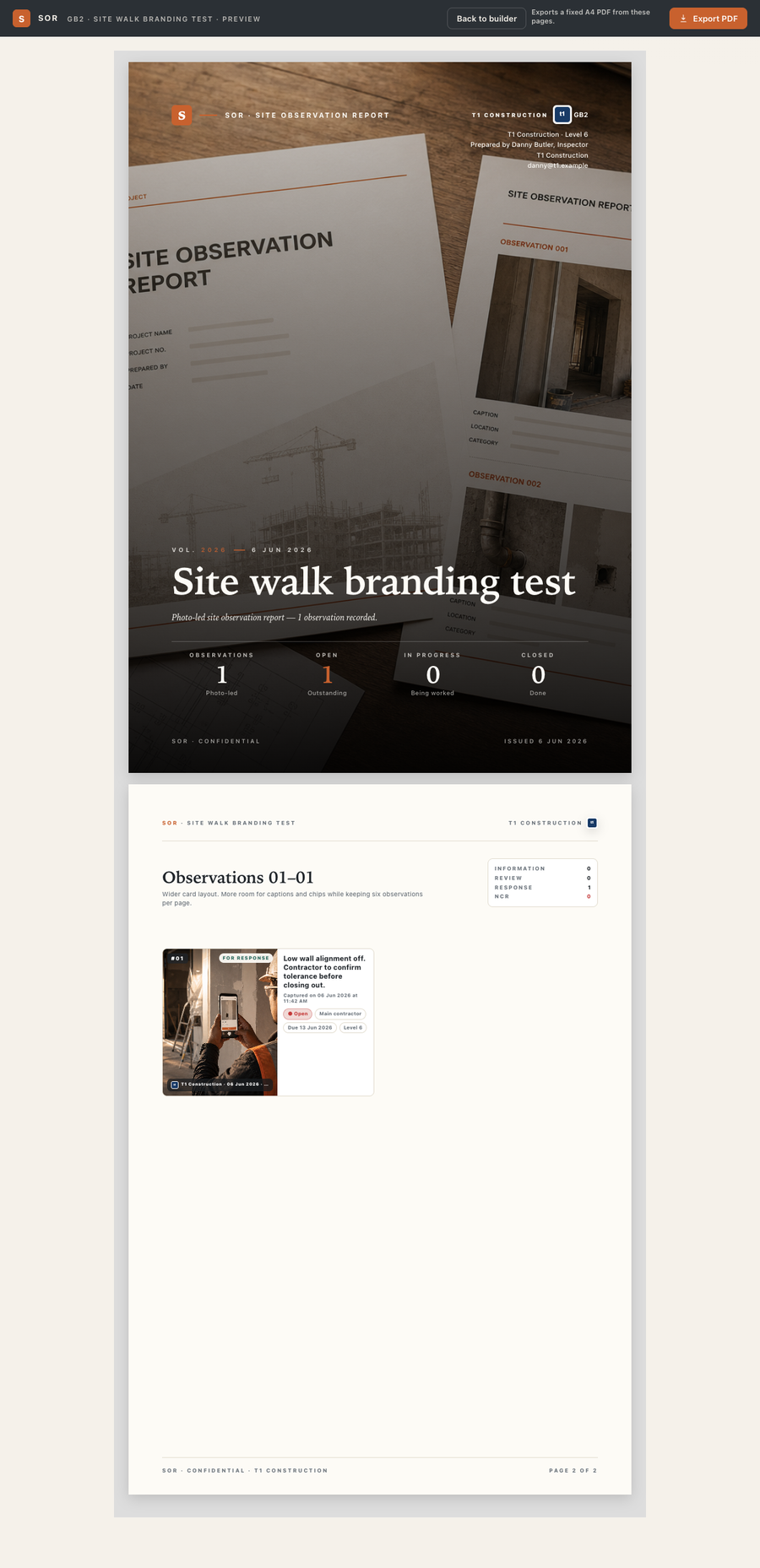
SOR turns the walk into a properly-formatted Site Observation Report — your branding, your client's job number, every photo captioned and dated. The same template every time, so your reports look the same whether you wrote them or your colleague did.
- Your branding. Logo, company name, contact line, footer note.
- Every photo dated. Captions, timestamps, and location stay attached.
- One-tap export. Email it, share a link, or save to your own cloud.
- Same template every time. Reports read consistently across the team.
Privacy by design
Your site. Your photos. Your client.
Site photos and client details stay on your phone. No account. No cloud sync unless you ask for it. No third party gets a copy of your jobs.
Local-first
The app runs in your browser and saves to your device. Walk a site with no signal and SOR still works the same way.
No account
Open the app, start a report. No sign-up wall, no password to forget, no inbox confirmations.
Your data, your control
Export the PDF, share a link, or back up the project file. SOR doesn't see any of it.
See it for yourself
A real report, in two taps.
Load the demo project inside SOR to see what a finished report looks like — photos, captions, timestamps, the lot. No download, no account, runs in your browser.
FAQ
Common questions.
Do I need an account?
No. SOR runs locally in your browser. Open it, start a report, you're working.
What format are the reports?
PDF, with your branding. Photos are embedded with captions, timestamps, and location.
Does it work offline?
Yes. The whole site walk works without signal. Once you're back online you can email or share the export as normal.
Can my team use it too?
Each person runs their own copy. There's no team admin, by design — that's how it stays simple and fast.
Can I import drawings?
Not in v1. SOR is the report layer, not a drawings tool. The shortest path from a site walk to a sent PDF is the whole job.
Is it really free?
Yes, the v1 app is free to use. If a paid tier appears later it'll be clearly priced — there's nothing to sign up for today.
Is SOR a statutory inspection?
No. SOR is a documentation tool. It doesn't replace a statutory inspection or a qualified professional's sign-off.